VS Code extension
The DiscoPoP VS Code extension is an extension to the GUI. It lets you browse the parallelization suggestions and the hotspots that DiscoPoP identified, and apply suggestions, inside the editor. The main way to use DiscoPoP is the GUI (discopop_gui) or the command line tools; the extension is an optional addition for those who prefer to stay in VS Code.
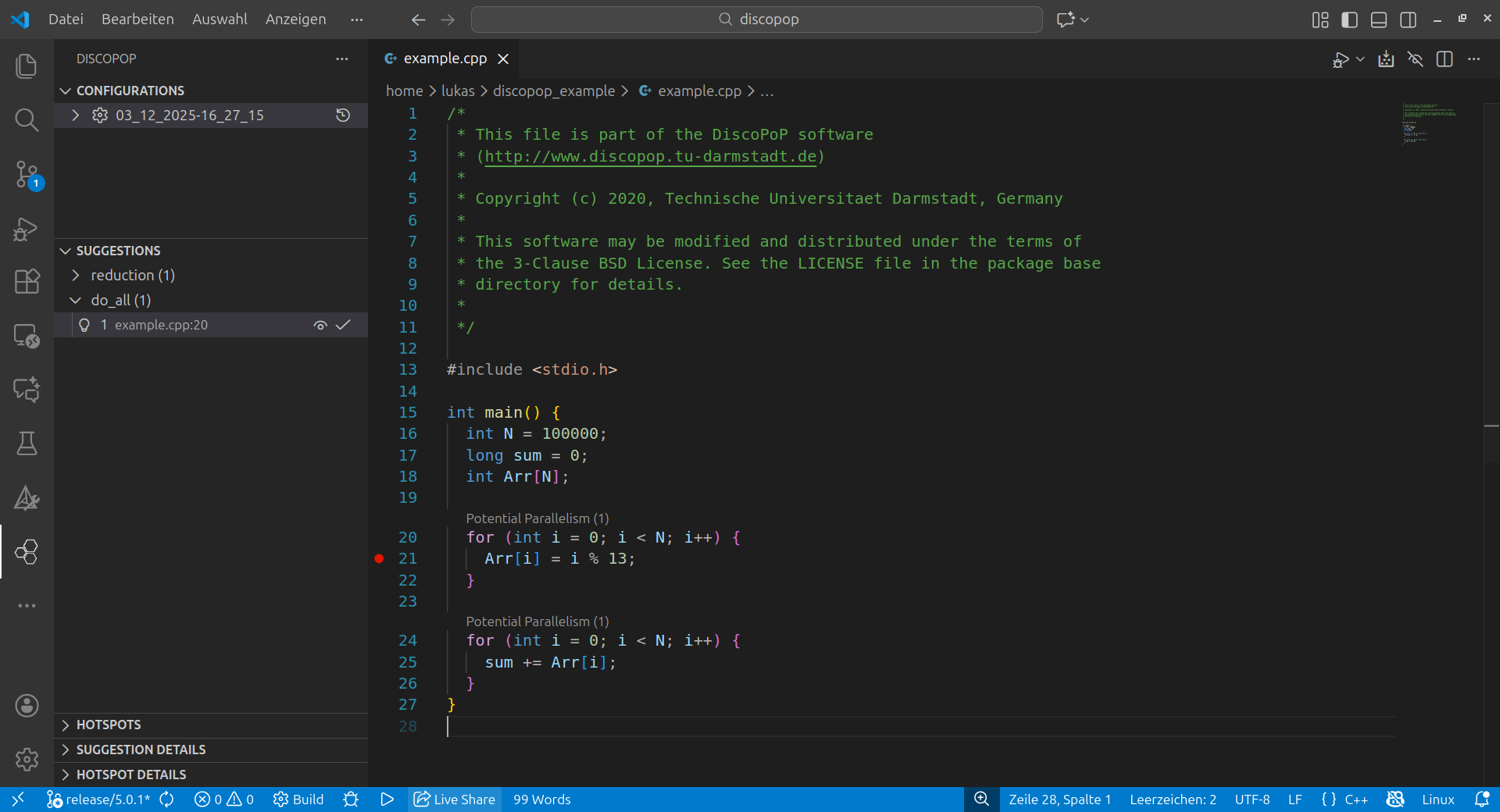
What DiscoPoP needs to provide
The extension reads results, it does not replace the analysis. Before you open a project in the extension, analyze it with DiscoPoP (GUI or command line), so that a .discopop directory exists in the project:
- the explorer results (run the Pattern Detection tab of the GUI or
discopop_explorerinside.discopop) for the suggestions and their patches, and - the results of the hotspot detection, if you want to see hotspots.
Install the extension
- Install VS Code (Linux, or Windows with WSL).
- Install the DiscoPoP extension from the VS Code marketplace.
- Install DiscoPoP itself as described in Installation.
Open the results of a project
The explorer prints this procedure when it finishes. To browse the results of an analyzed project:
- Open the DiscoPoP view in VS Code (by default in the left sidebar).
- In Configurations, add a configuration with
+and choose ViewOnly. - Select a name and provide the path of the
.discopopdirectory of your project. - Load the results (clock-like icon).
The VS Code extension walk-through shows these steps with the example program.
Troubleshooting
Use compatible versions of DiscoPoP and the extension: the latest released versions should always work together. If you run into problems, create an issue in the extension’s repository.